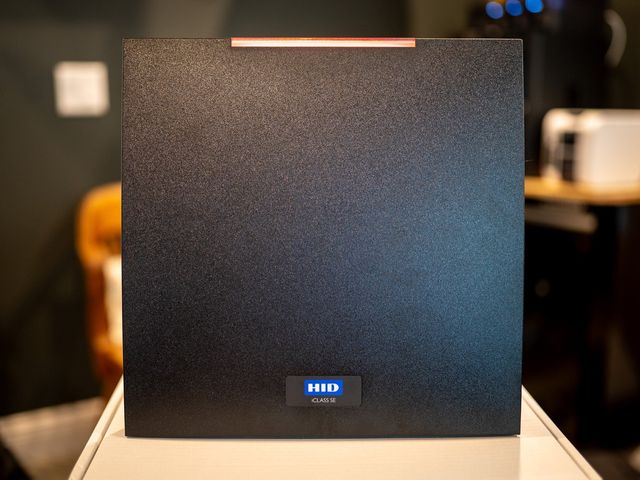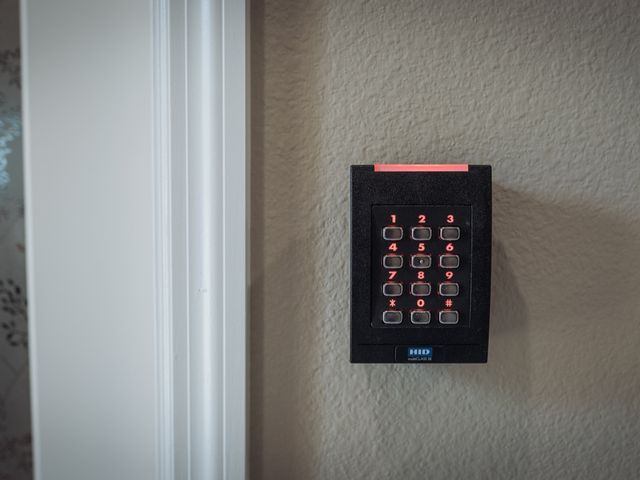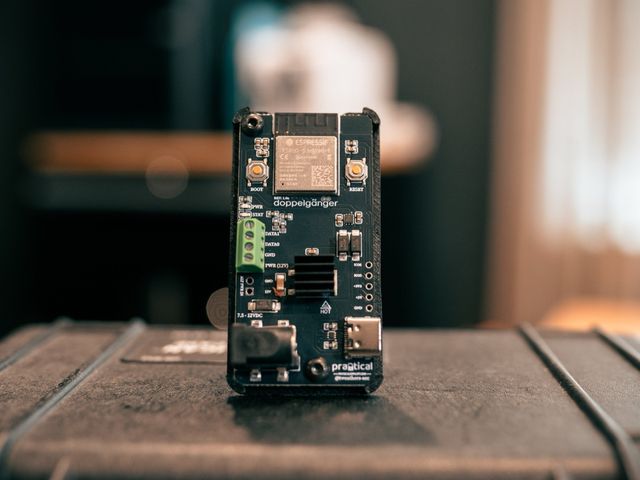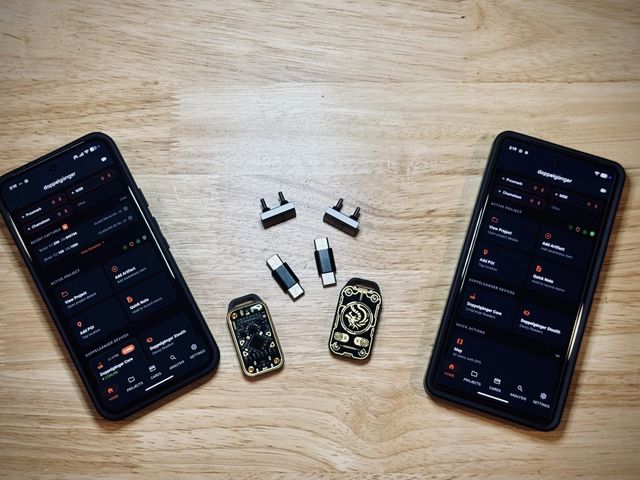
Cloning is an answer to a question many sites have stopped asking. A low frequency card or an iCLASS Legacy credential can be copied, and that finding still matters wherever that card stock is in service. The credentials replacing them are built so that the copy cannot be made.
DESFire EV3 and Seos are not weak. The keys are diversified per card, the authentication is mutual, and the session is encrypted. Hand an assessor one of those and the accurate report line is that the credential cannot be cloned. That line is correct, and it tells the site owner nothing about the door.
A relay carries the conversation
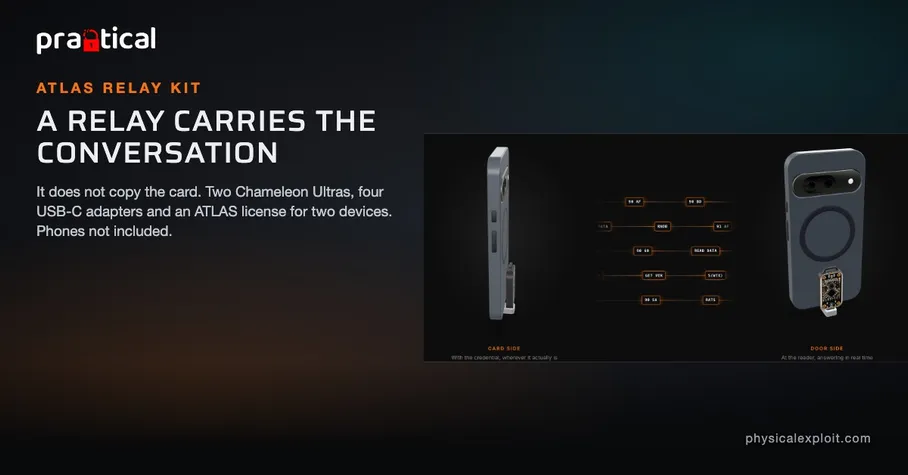
A relay does not copy the card. One handset sits beside the genuine credential, another stands at the reader, and the live exchange is carried between them. The real card answers the real reader from wherever it actually is. Nothing is forged and nothing is broken. Every protection that makes the credential impossible to clone is still working while the door opens.

The one thing that stops a relay is a bound on distance: a proximity check, a timing constraint on the exchange, a reader that refuses an answer that took too long to come back. Whether that bound exists at a given door is a property of the implementation and of how the installer configured it. It is not a property of the credential standard and it is not on a datasheet. It has to be measured, and running the relay is the measurement.
What a relay measures
- Present. Whether a distance or timing bound is there at all: the reader refuses a delayed exchange, or it opens regardless.
- Switched on. A control can ship with the product and be left off in the installation.
- Tuned usefully. A bound generous enough to tolerate a relay is not doing anything.
- Held at every reader. A lobby configured correctly and a side door nobody revisited are two different results.
The result is a finding either way. A door that opens says the reader accepted the genuine credential answering from somewhere else. A reader that refuses is holding its bound, and the next reader on the site still has to be asked.
The manufacturers of these readers and credentials make very secure products when those products are implemented properly. A relay finding is about one installation and how it was configured.
A relay in real time
Here is a relay run in real time, on video.
What it relays today
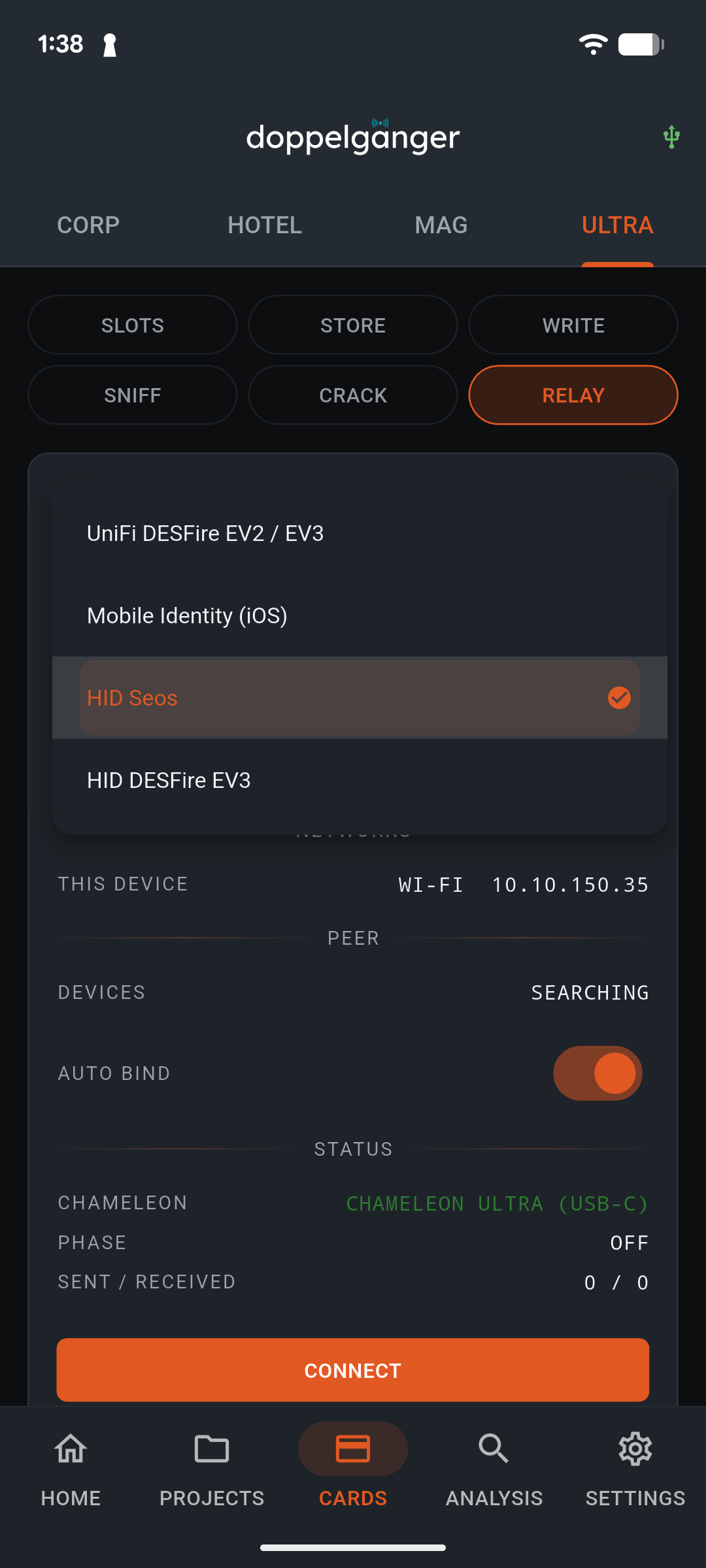
CREDENTIAL TYPE on the RELAY chip lists four:
- UniFi DESFire EV2 / EV3
- Mobile Identity (iOS)
- HID Seos
- HID DESFire EV3
More credential types are on the roadmap, and they arrive through ATLAS updates on the same hardware. A mobile credential in an Android wallet is not on the list.
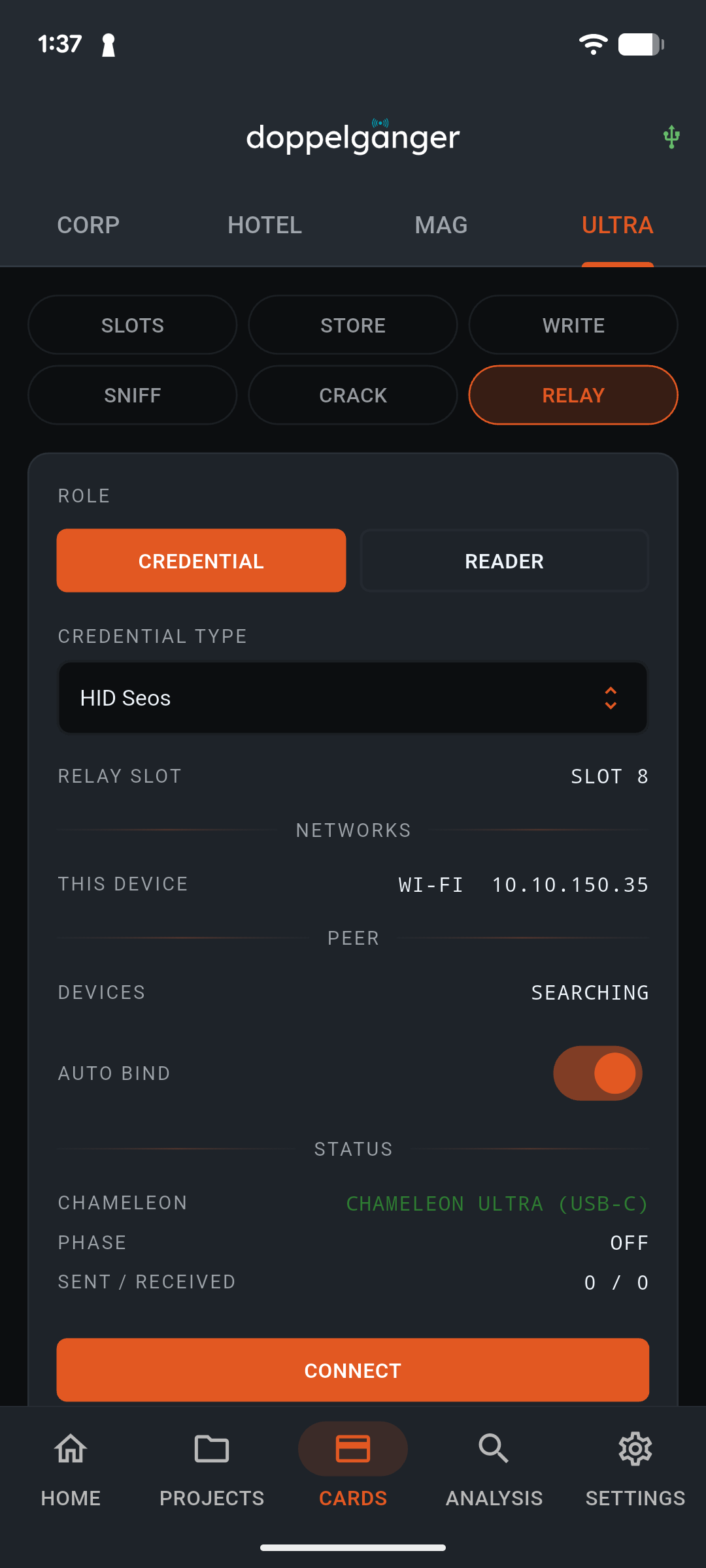
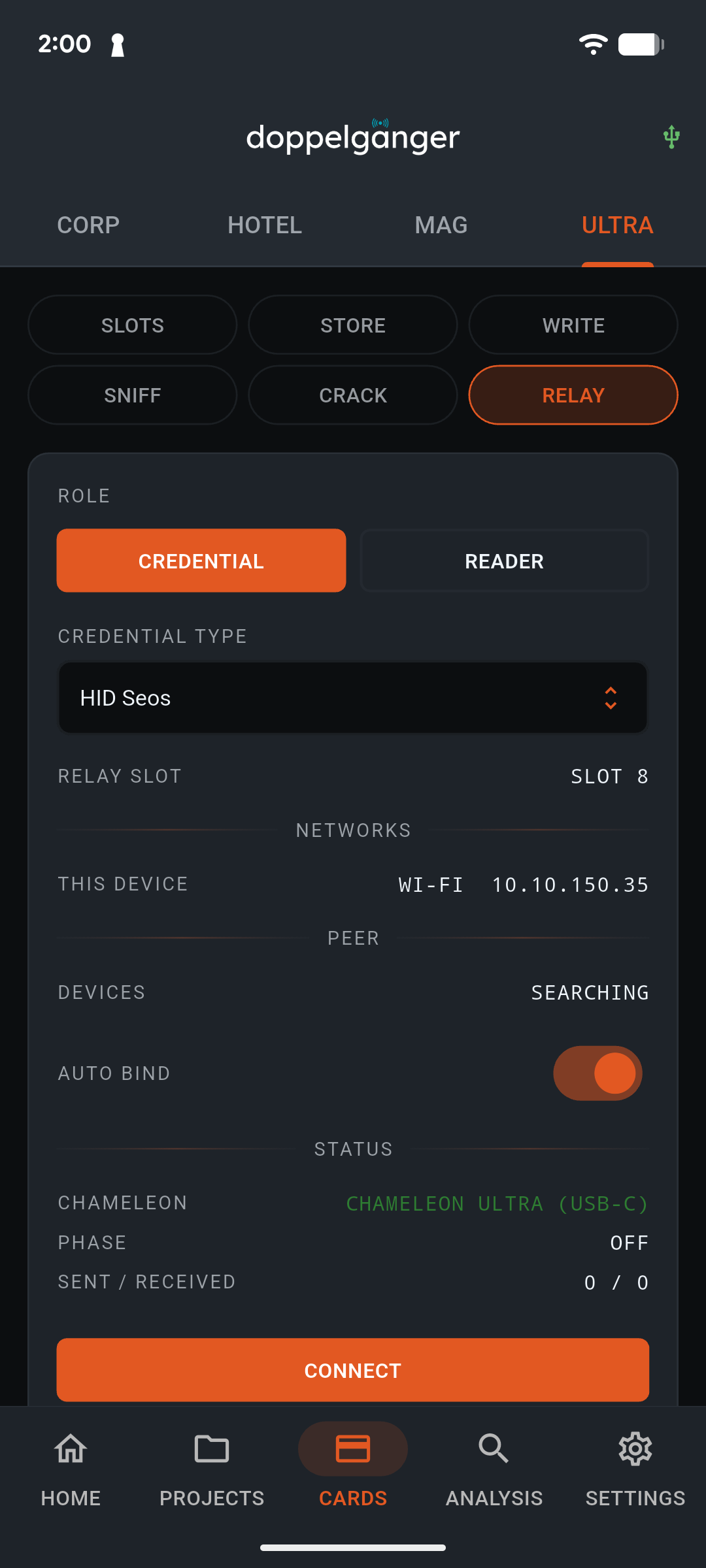
- ROLE, CREDENTIAL or READER.
- CREDENTIAL TYPE, HID Seos here.
- CONNECT starts both handsets.
- UniFi DESFire EV2 / EV3, the first of the four.
- HID Seos, ticked, between Mobile Identity (iOS) and HID DESFire EV3.
Use case: the migration that was supposed to close the finding
A corporate headquarters replaced its legacy cards with Seos after an earlier assessment. The site owner has engaged you to confirm the migration did what it was bought to do. The credential cannot be cloned, so the old test has nothing to say.
With an employee taking part under the rules of engagement, one assessor sits with that person’s badge in a conference room and a second stands at the lobby reader. If the door opens, the report states that this reader accepted a genuine credential that was not at the door. If it refuses, the report states that the reader held, which is the evidence the owner wanted that the migration is sound at that door.
Use case: the lobby and the loading dock
A campus has a front entrance that was commissioned with care and a set of perimeter readers that were added over the years by different crews. The lobby refuses the relay. That result does not carry to the loading dock, the parking structure or the side stairwell.
Because the rig is two handsets and two units, it walks. The assessor at the reader moves from door to door while the other stays with the credential, and the report becomes a table of readers with a result against each. The site owner sees exactly which doors need attention and which do not.
Use case: before a mobile credential rollout
A site owner is about to issue mobile credentials to staff iPhones and wants to know how the readers will treat them before the rollout, not after. Mobile Identity (iOS) is on the list for that reason. The same four questions apply, with one more: whether the credential behaves as the vendor describes. Some answer from a pocket, with the phone locked and no interaction at all, and the owner should know that before choosing a configuration.
Use case: the integrator’s own check
An integrator handing over a new installation can run the same test before the site owner’s assessor does. A reader that refuses the relay at commissioning is a line in the handover documents. One that does not is found while the crew is still on site and the configuration is still open.
What it needs
| What | How many | Notes |
|---|---|---|
| Android handset running ATLAS | 2 | The same build on both. Phones are not included with the hardware. |
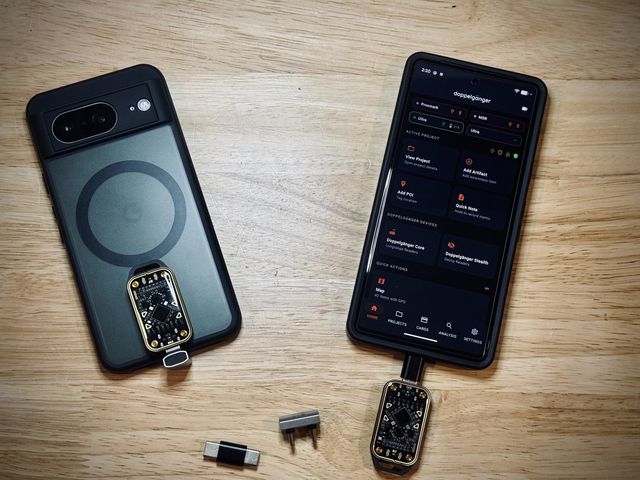
| ATLAS Chameleon Ultra | 2 | Each on its handset’s USB cable. The relay runs on the cable only. |
| Shared network | 1 | Both handsets hold an address on it. |
| ATLAS license | 2 | ATLAS is licensed on each handset. The kit’s license covers two Android devices. |
| Genuine credential | 1 | At the handset set to CREDENTIAL. |
| Handset NFC | Off | On both. A handset that is polling picks its unit up and interferes with the session. |
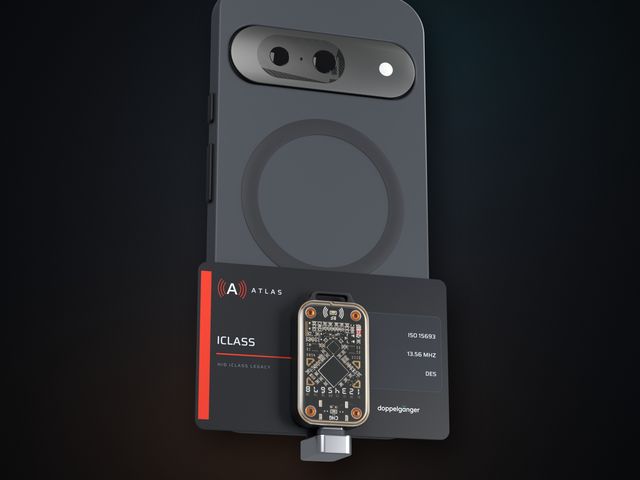
A Chameleon Ultra ships with its manufacturer’s firmware, and becomes an ATLAS Chameleon Ultra when ATLAS installs ATLAS CU firmware on it over the USB cable.
One handset takes each side under ROLE: CREDENTIAL with the card, READER at the door. Set ROLE and CREDENTIAL TYPE on one handset and the other takes the opposite role and the same type. One press of CONNECT starts both, PHASE shows where the relay is, and STOP on either handset stops both.
Clear your own side first. A session can stop for reasons that have nothing to do with the door: a handset with its NFC on, two handsets on different subnets, a unit on Bluetooth with no cable. A refusal only counts as the reader’s once those are ruled out.
The handset’s own NFC is the one the app catches for you. While it is on, the RELAY chip shows PHONE NFC IS ON - TAP TO TURN IT OFF. Tap it, switch Use NFC off in Android’s settings, go back, and the banner is gone.
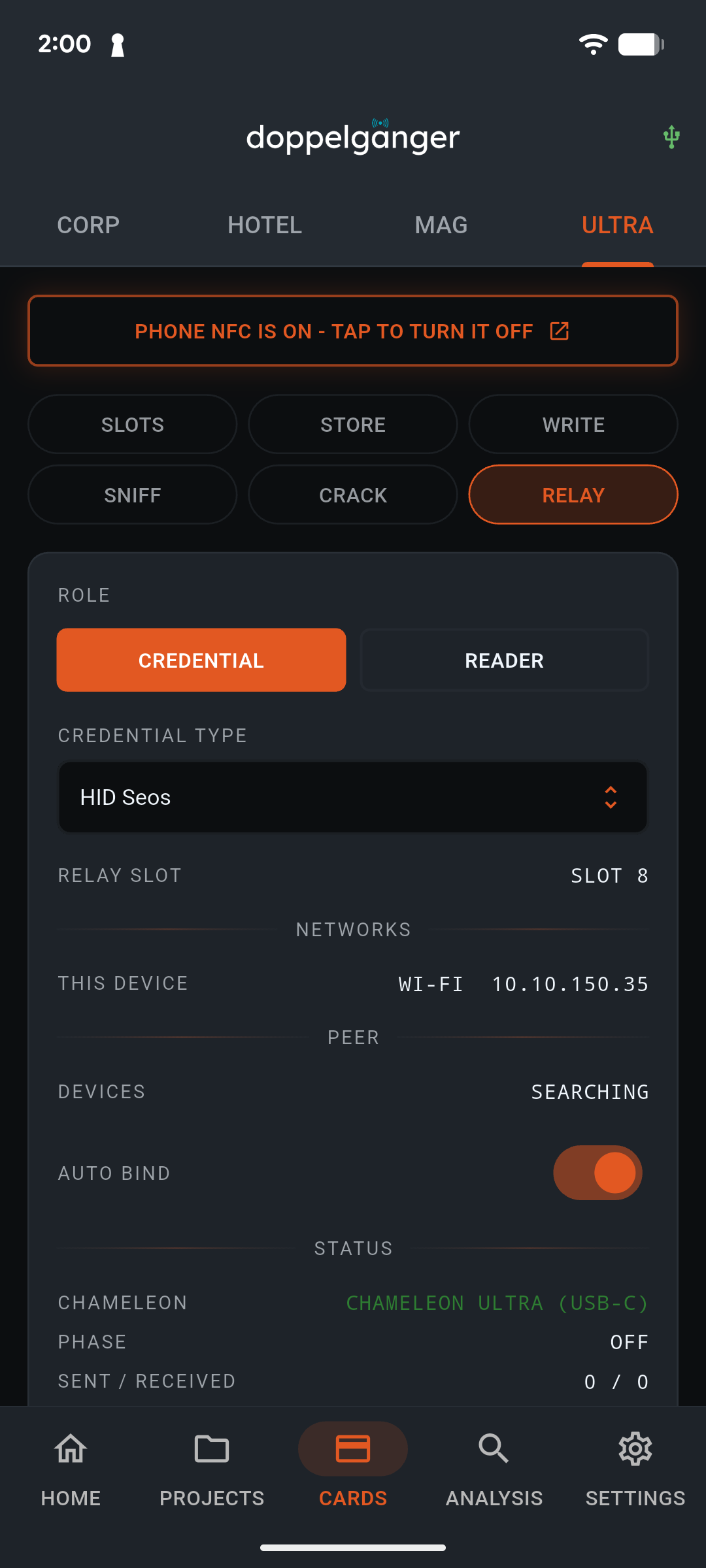
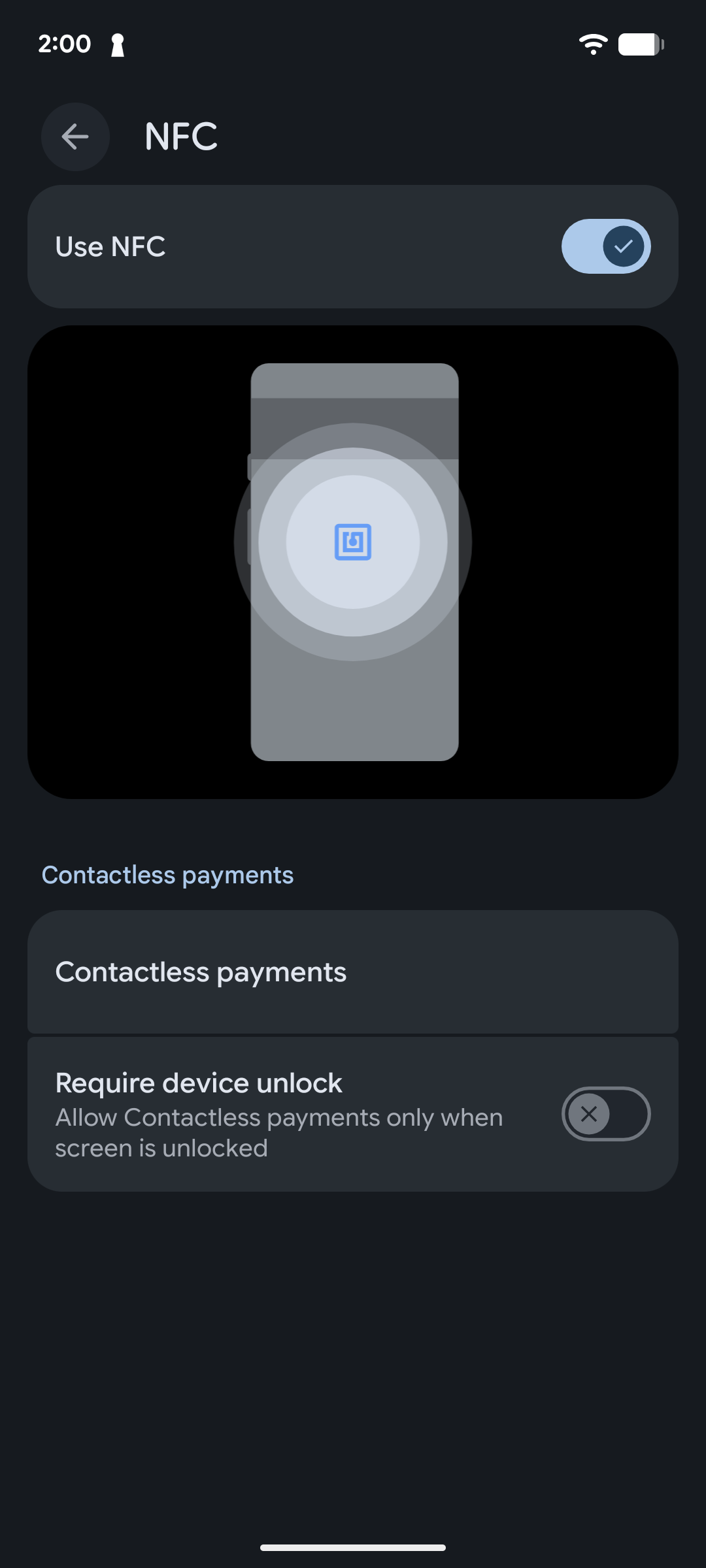
- PHONE NFC IS ON - TAP TO TURN IT OFF.
- RELAY, the only chip that shows it.
- Use NFC, on the Android settings page the banner opens. Switch it off, then go back.
- No banner, so the chips move up.
Reporting and remediating a finding
Report by reader. For each door tested, record the reader by model, the credential type, and whether the relay was accepted or refused. Name the cause as what it is: a distance or timing bound that is absent, switched off, or too generous at that reader. Do not write it as a weakness in the credential, because the credential did its job.
Remediation belongs to the site owner and the integrator, working from the manufacturer’s guidance for that reader: enable the bound where the product provides one, tighten it where it is too generous, and apply the same configuration to every reader, not only the front door. Then test again. A reader that refuses the relay on the retest closes the finding, and the record of that retest is what the site owner keeps.
Getting the kit
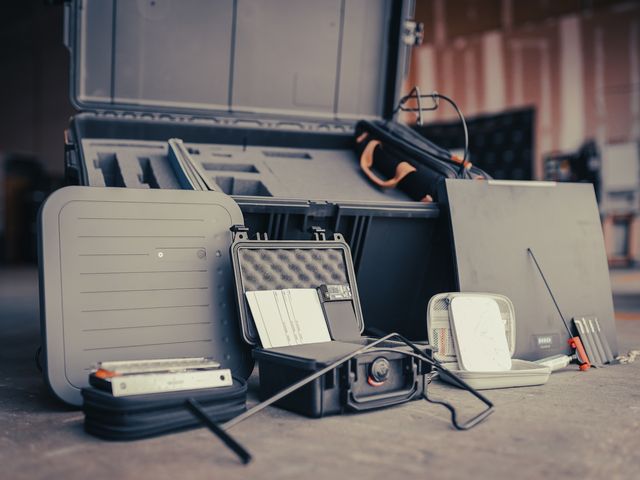
The ATLAS Relay Kit is two Chameleon Ultras, four USB-C adapters and an ATLAS license for two Android devices. Phones are not included. The device itself, and the rest of what it does at a door, is covered in The ATLAS Chameleon Ultra, and the RELAY chip is documented control by control in the ATLAS documentation.
The store runs a sale November 27 through December 1, 2026, at store.physicalexploit.com.
Intended use
ATLAS and the PPE hardware it works with are professional audit tools for practitioners working under contract or in the course of their employment, with the authorization of the site owner. They are used to audit an installation so that flaws are found and remediated.