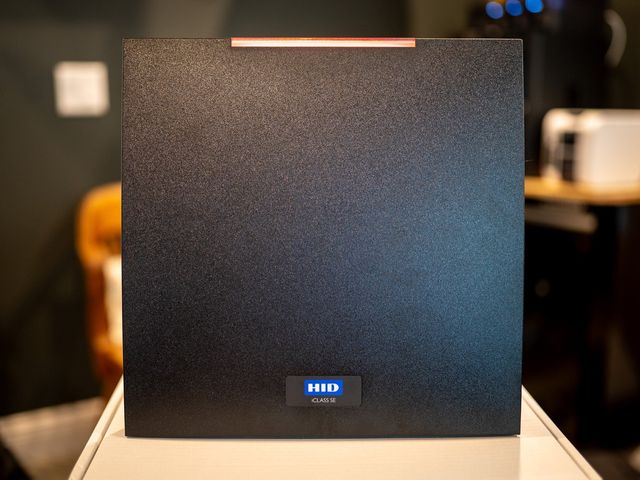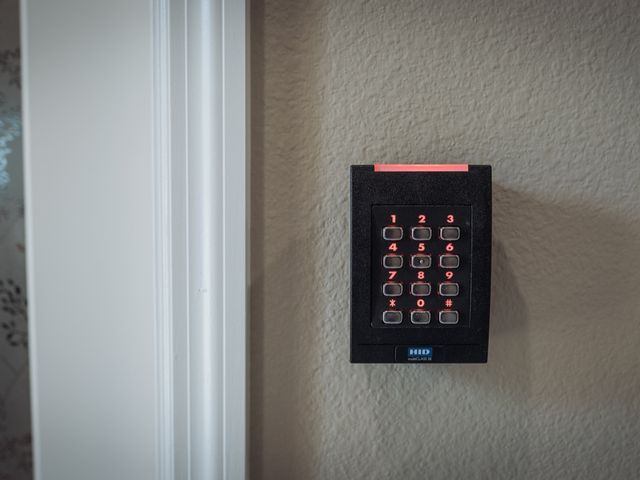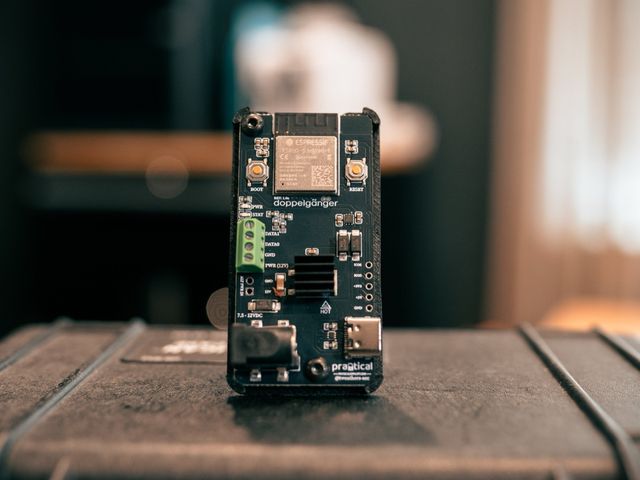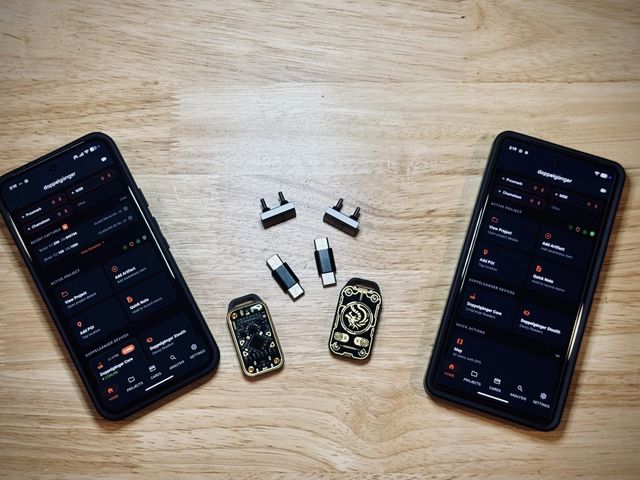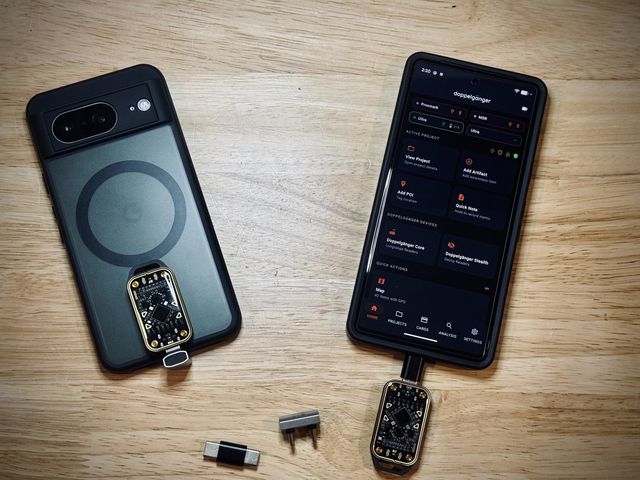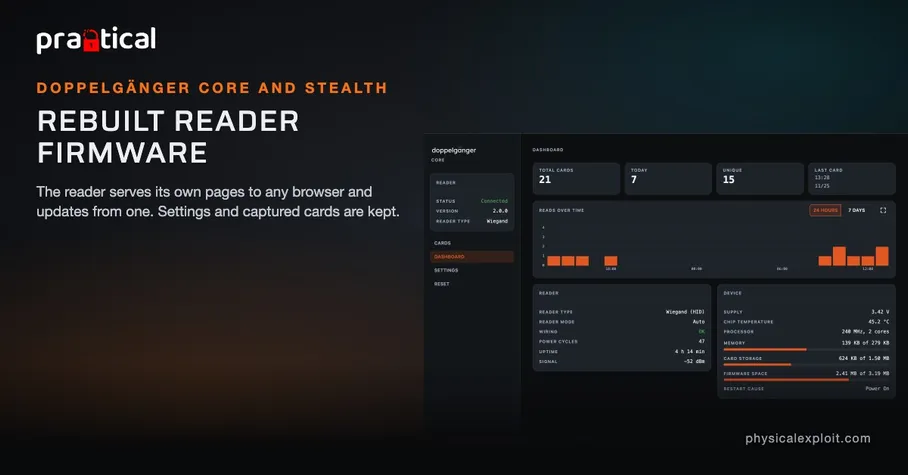
The firmware on the Doppelgänger Core long range readers and the Doppelgänger Stealth decoy readers has been rebuilt, and with it the web interface each reader serves to any browser. One thing did not change and will not: the reader captures and stores every card and PIN it reads, by itself, whatever else is going on around it. Everything else about owning one did. This post is about what that means on a job.
These are professional audit tools, used by practitioners under contract or in the course of their employment, with the site owner’s authorization. The manufacturers whose readers and credentials they work with make very secure products when those products are implemented properly. A finding is about an installation, never about the manufacturer.
The reader carries its own interface
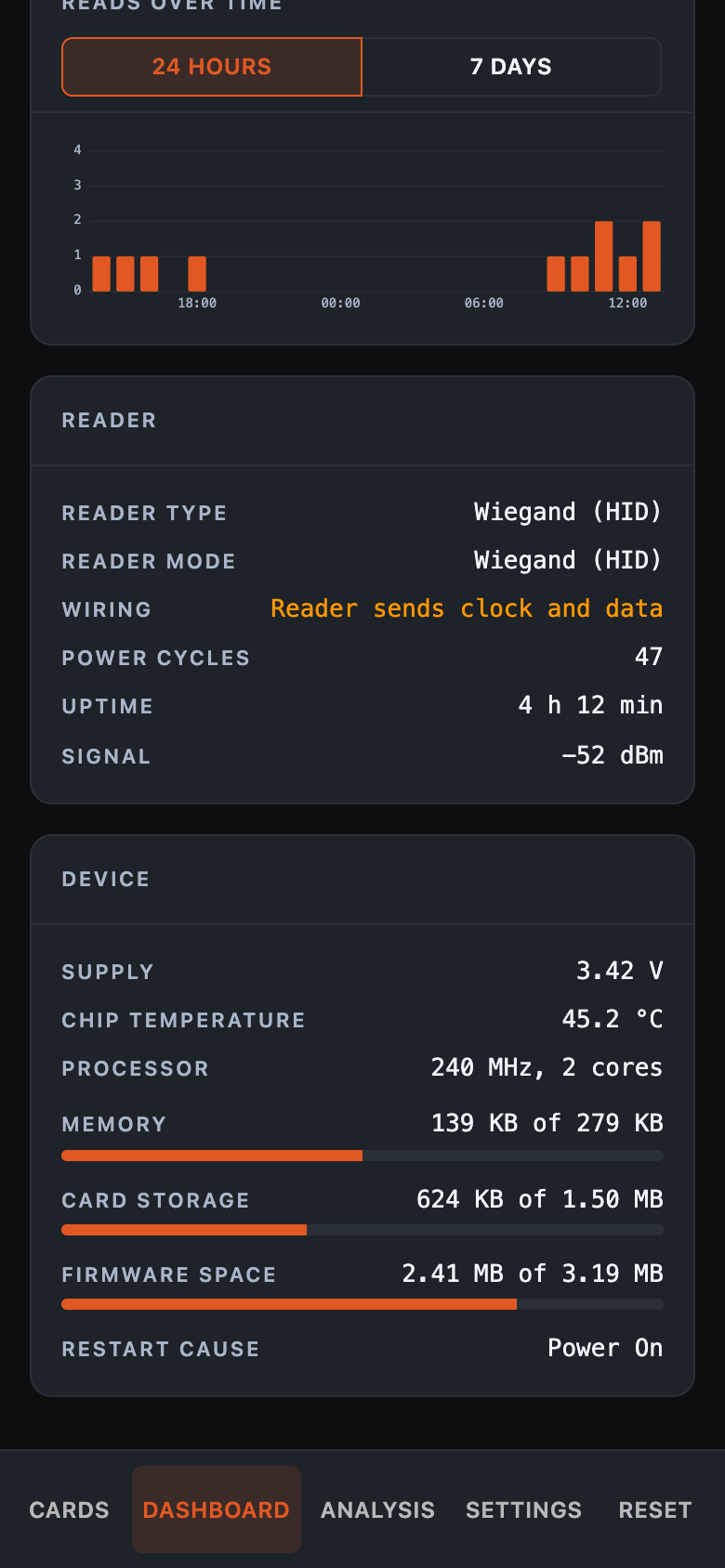
The pages are part of the firmware. A reader serves them itself, to a laptop or a phone, with nothing to install, and an update brings the current pages with it. Every page says which product the board is running, and the Dashboard shows the health of the board as well as the count of cards.
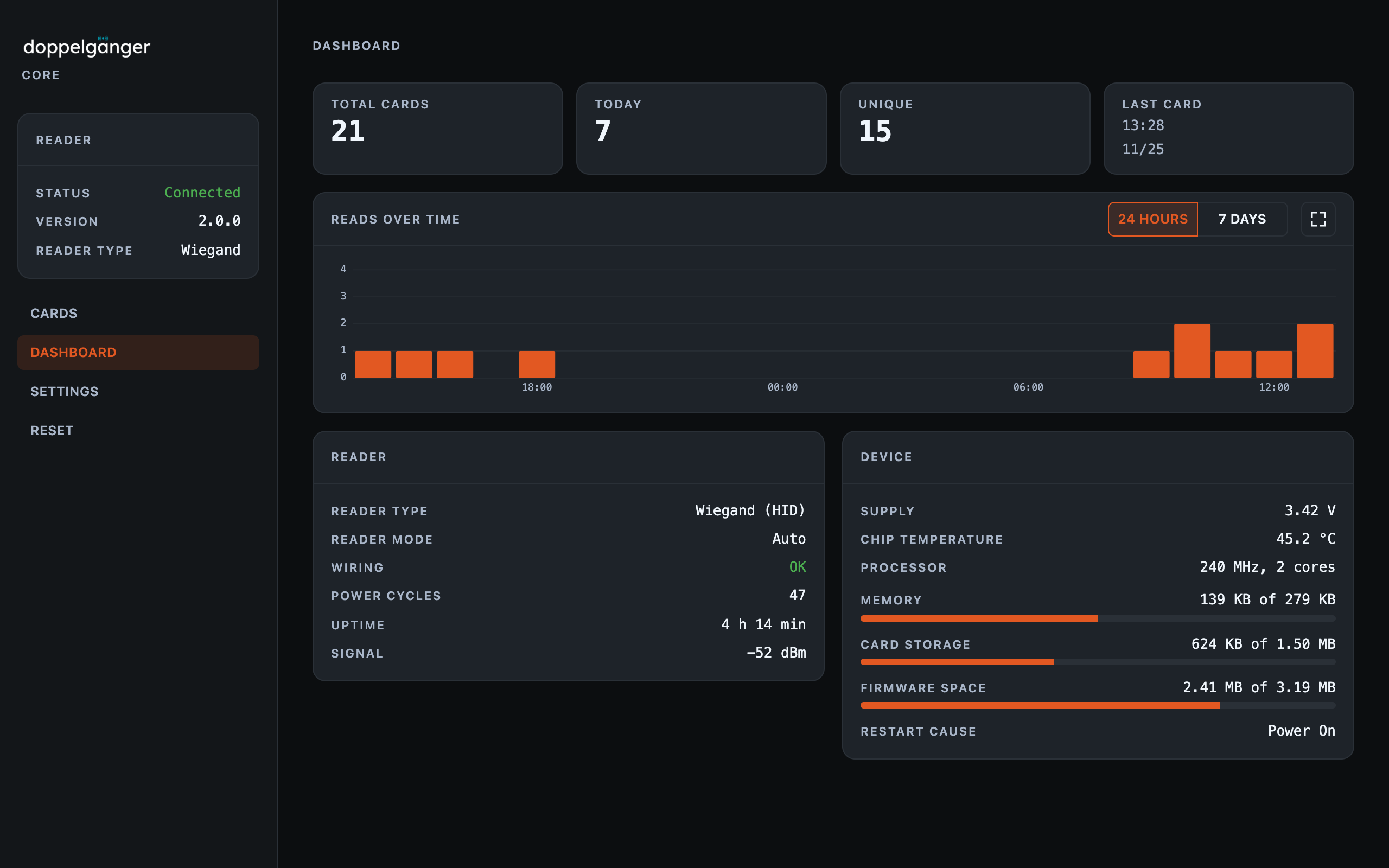
- Status and Version, on every page.
- Wiring, reading OK. Reader Mode above it is Auto.
- Card Storage, how full the log is.
- Restart Cause, why the board last started.
This post covers what the firmware changes. The page by page tour, with the use cases, is its own post: The Doppelgänger Web Interface, Without ATLAS.
Updating from a browser
A team lead is preparing a case of readers for someone else, or an integrator is checking their own installation, and the only computer in reach is a laptop. On the reader’s page, Settings, then Firmware Update, shows the Version the reader runs and one button, Open Web Flasher.
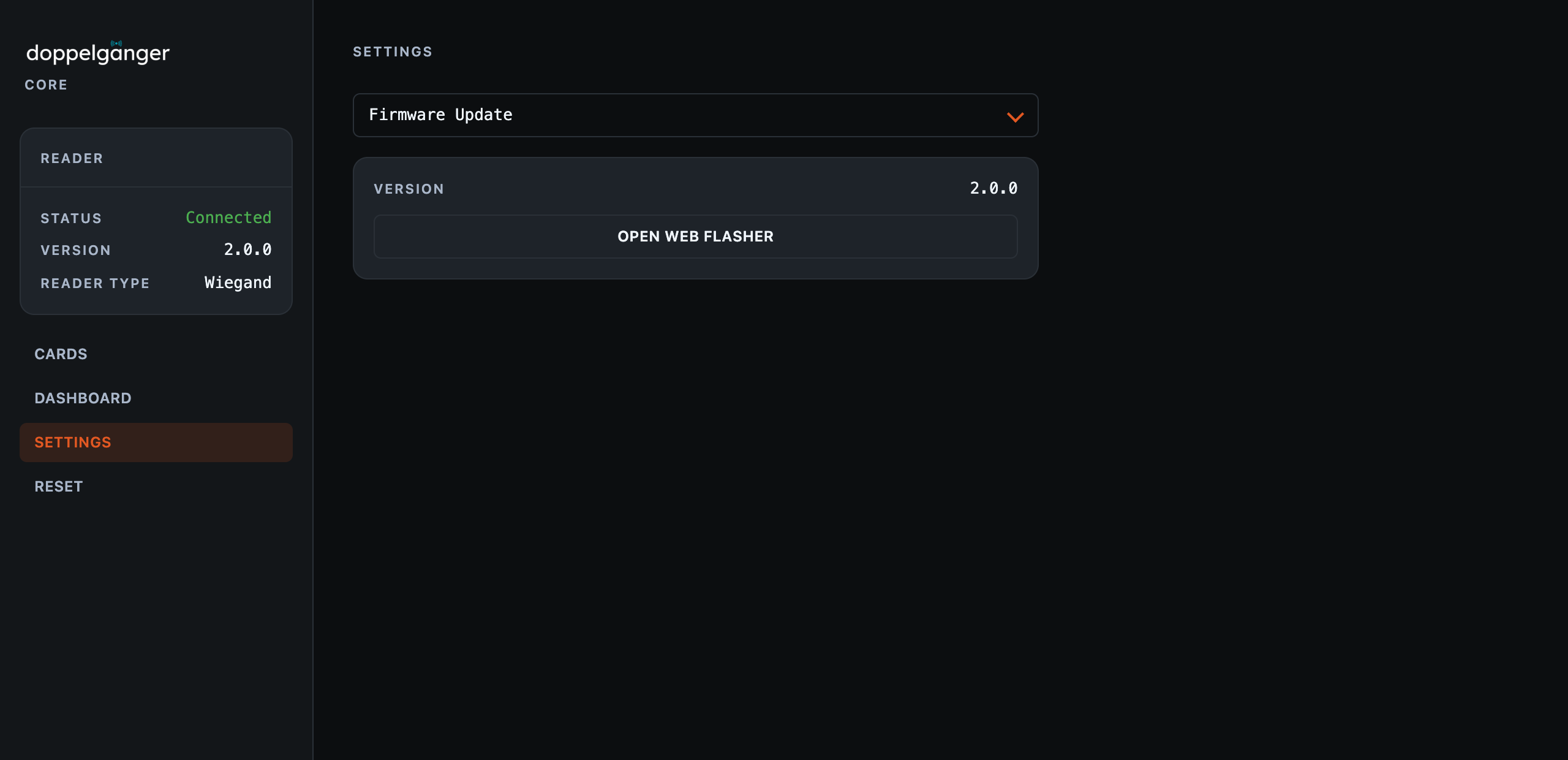
- The section dropdown, on Firmware Update.
- Version, what the reader runs.
- Open Web Flasher.
The browser flasher installs the signed release from Chrome or Edge on a computer, over a USB cable. Nothing is downloaded and nothing is installed. The page reads the reader first and says what the update will do before it writes anything. Settings and cards are kept.
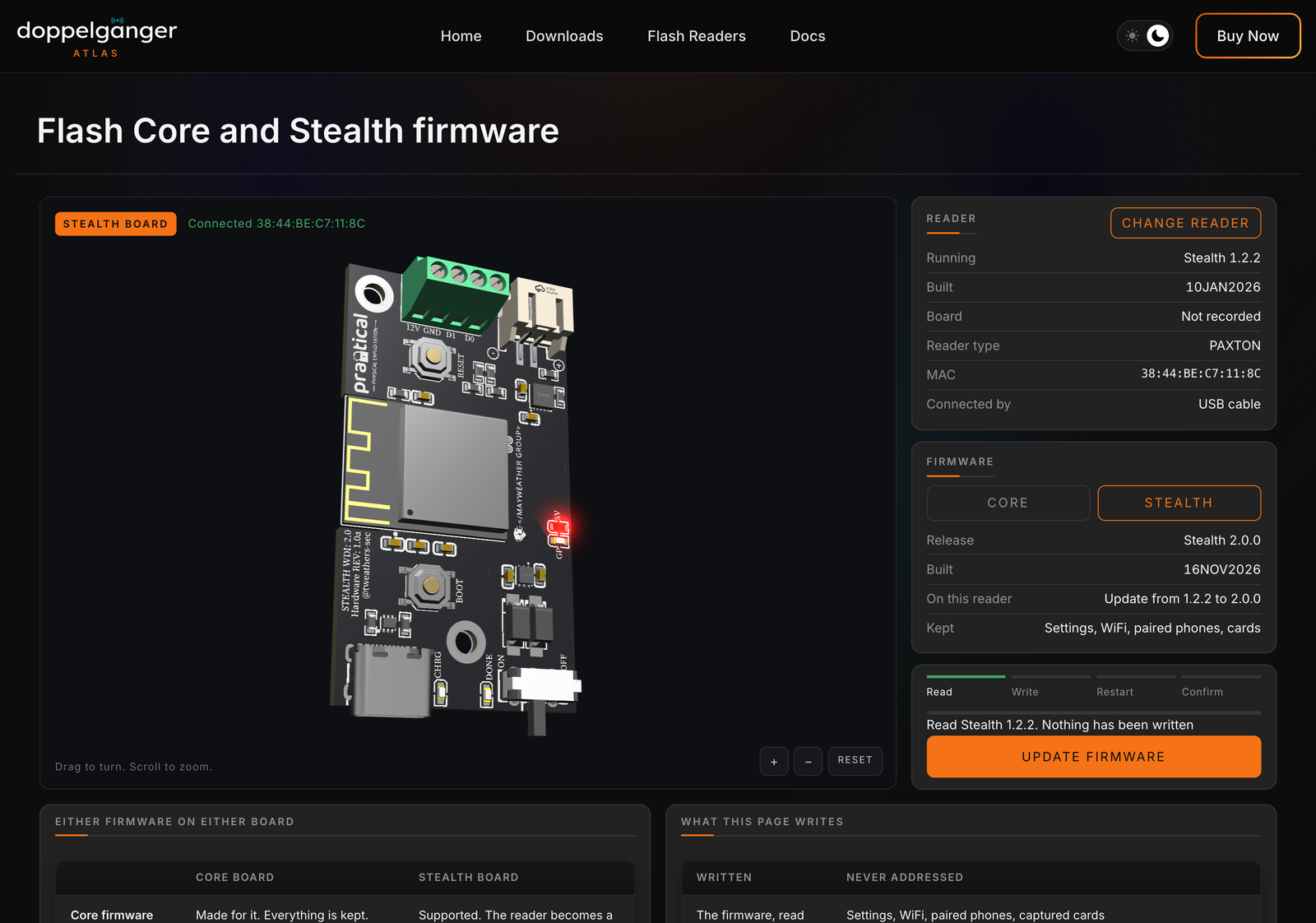
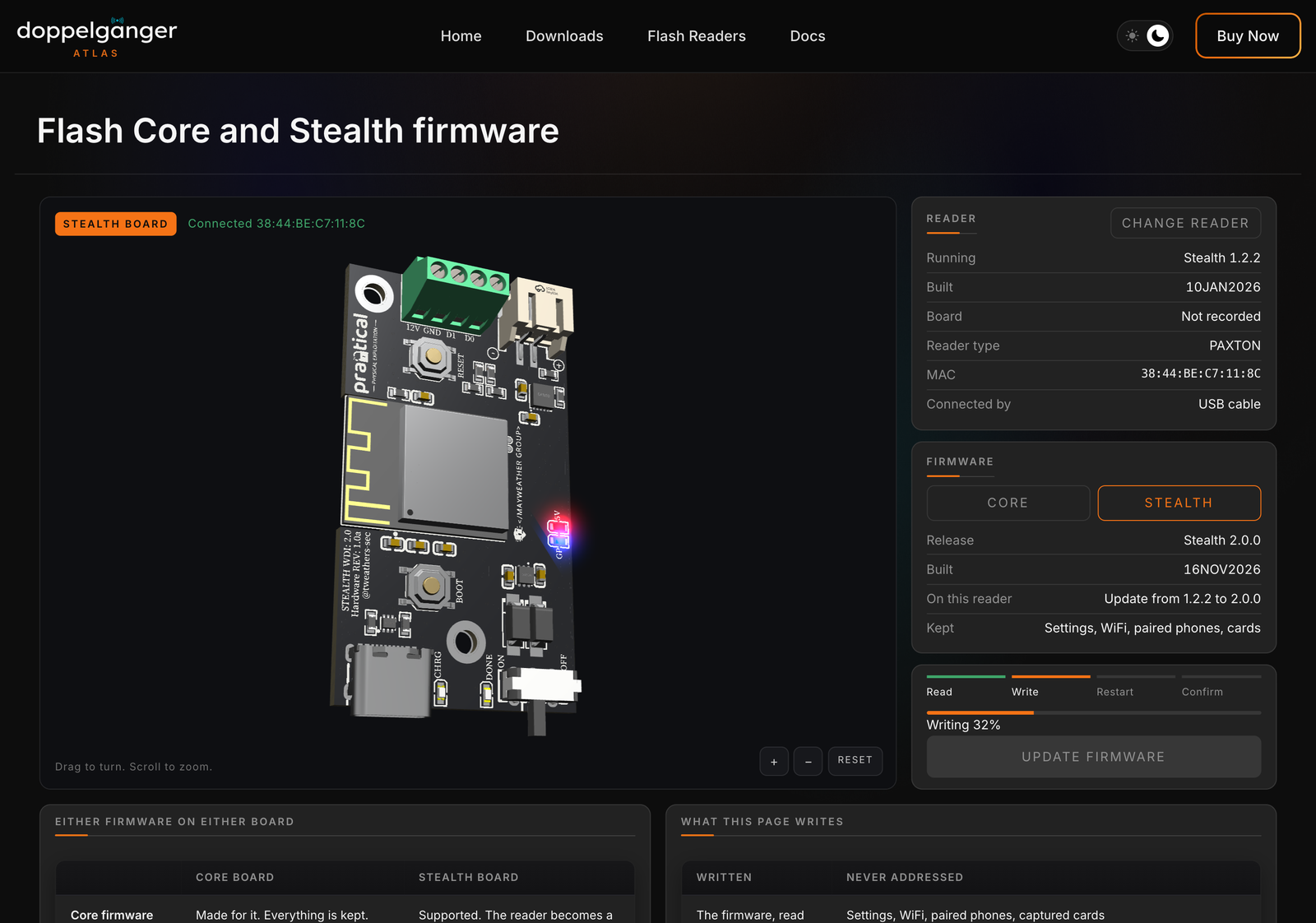
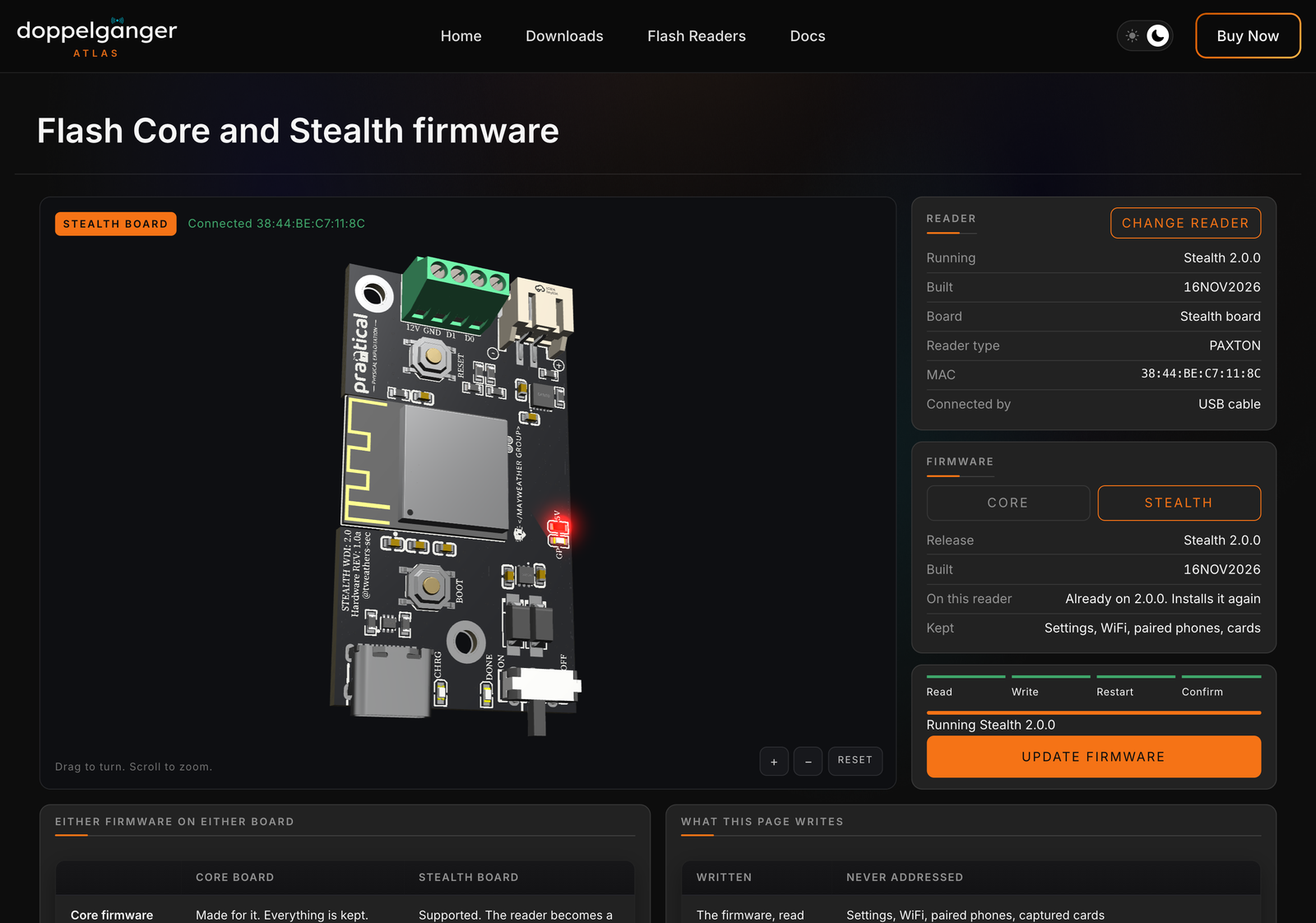
- Running, the firmware on the reader.
- MAC, which is how you tell two readers apart.
- On this reader, what installing would do.
- Read is done. Write is under way.
- Writing, with a percentage. Leave the cable alone.
- Board, Stealth board.
- Reader type, still PAXTON. The settings were kept.
- Read, Write, Restart and Confirm, all four green.
Updates are signed. A reader refuses an image that does not verify, and if an image fails to start, the reader abandons it for the one it was running. The run is finished only when the reader has come back on the release that was sent.
Either firmware on either board
The flasher makes one hardware fact plain: either firmware runs on either board, with no wiring changes. A spare Stealth board can be turned into a Core when the engagement needs one more long range reader than the kit holds. The captured cards carry across, and the reader is set up again as the product it has become.
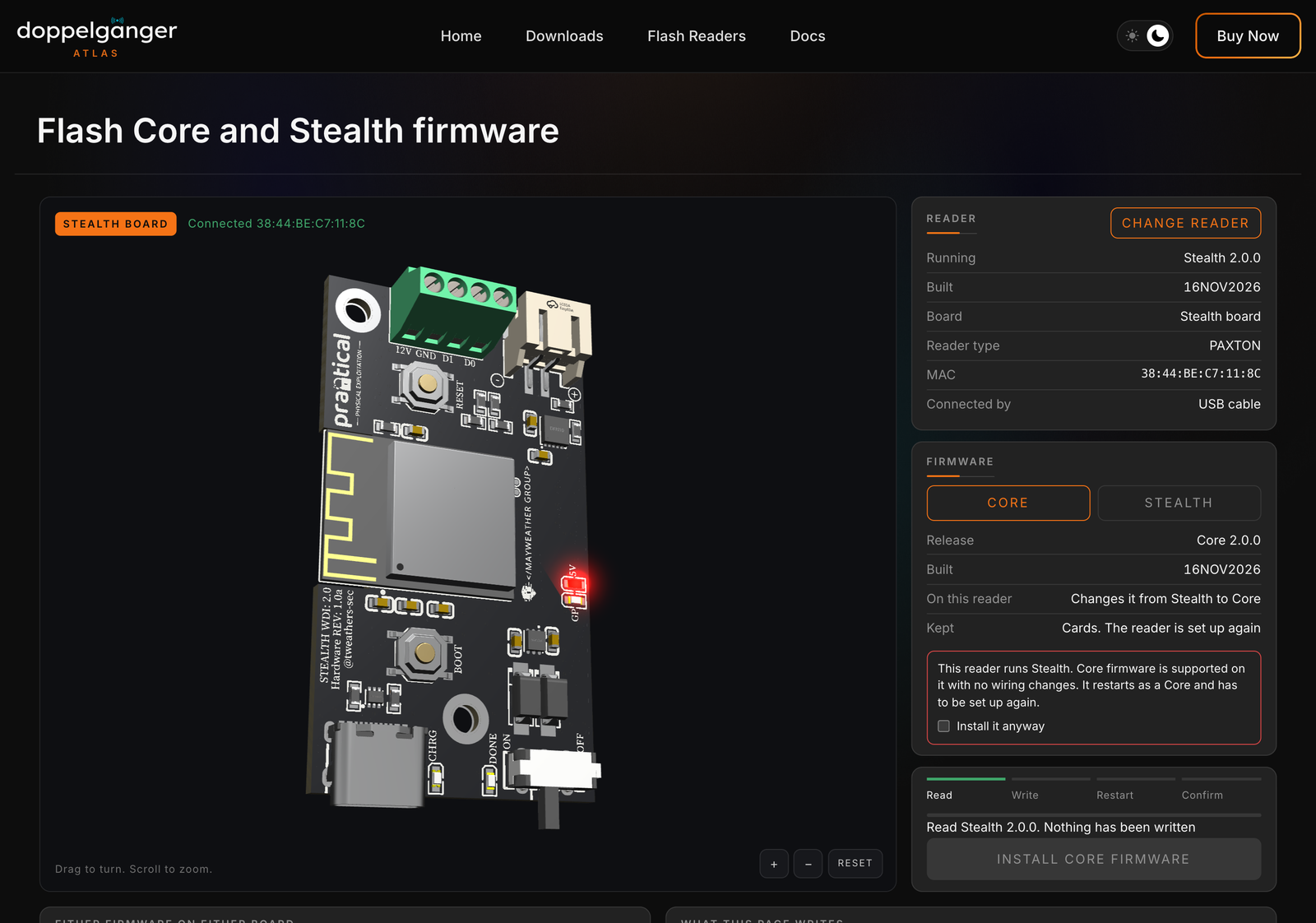
- Board, still Stealth board. That does not change.
- CORE picked, on a reader running Stealth.
- Changes it from Stealth to Core.
- Kept, cards only. The settings do not carry over.
- Install it anyway. The button stays gray until this is ticked.
A wiring mistake caught at the bench
A reader is built into a housing the evening before. Two data wires are crossed, or the board is set for one kind of reader and the reader on the front is the other. Without a check, that is found when the day’s reads turn out to be empty.
Two things in the firmware address this. First, Reader Mode is Auto from the factory. The board reads as Wiegand and changes itself to clock and data when the reader on the front sends that, so the two kinds of reader need no different setup. A mode you set yourself is never changed underneath you.
Second, the reader reports what its data lines show about its wiring. When something is wrong, the header of every page reads Check Wiring, and the Wiring row gives one of three plain readings: Clock and data swapped, Reader sends clock and data, or Reader sends Wiegand. The row goes back to OK on the next card that reads right.
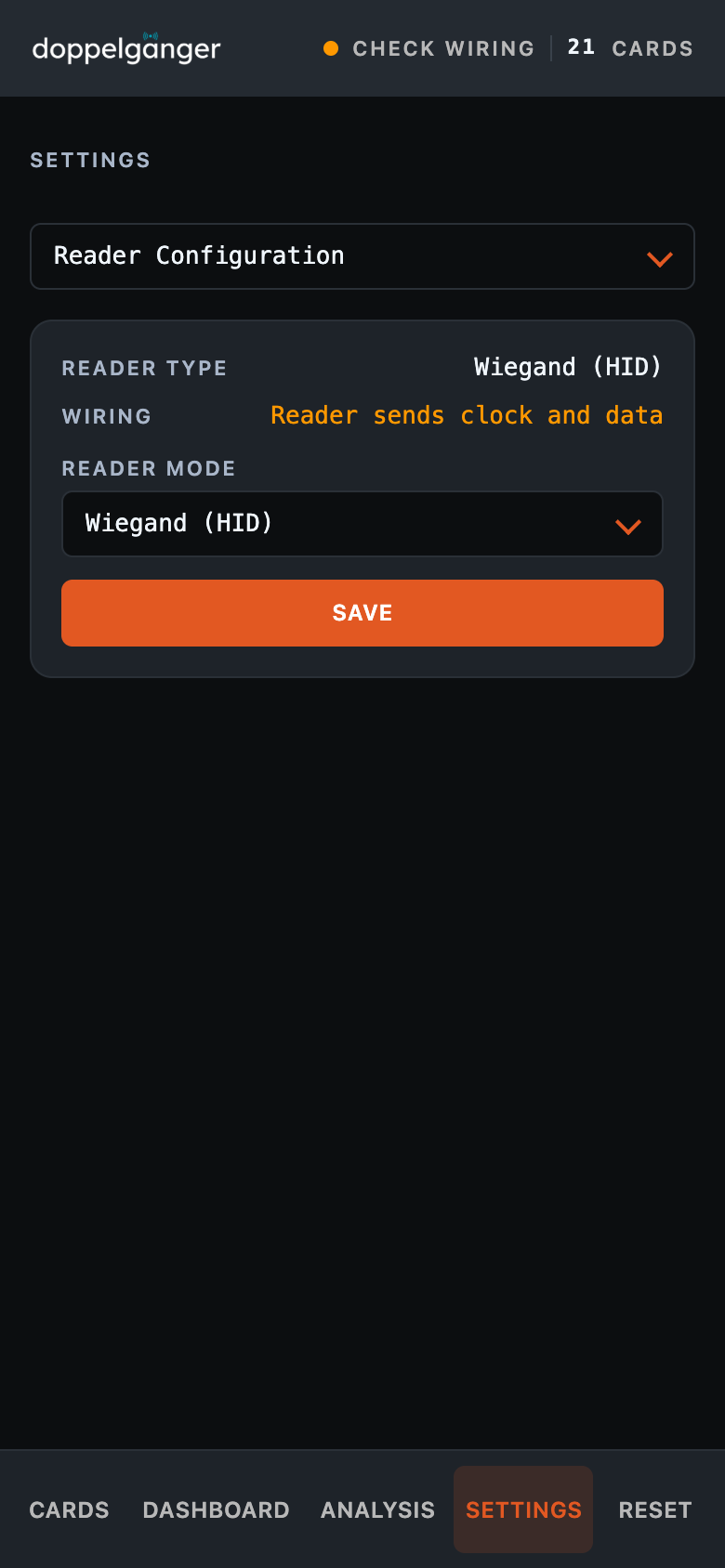
- Check Wiring, in the header of every page.
- Reader Configuration.
- Wiring, with what the board found.
- Reader Mode, where Auto or the other mode clears it.
- The Reader card.
- Wiring, the same reading.
- Signal, the Core's WiFi.
One case the wires cannot show: crossed data lines on a Wiegand reader still read every card, with the right length and the wrong numbers. The check for that is a test card whose facility code and card number you know, presented at the bench. The configuration page has the table.
Cards that run the reader
A reader acts on cards you carry, so it can be controlled with nothing in your hand but a credential. Two of them are set on the reader’s own page.
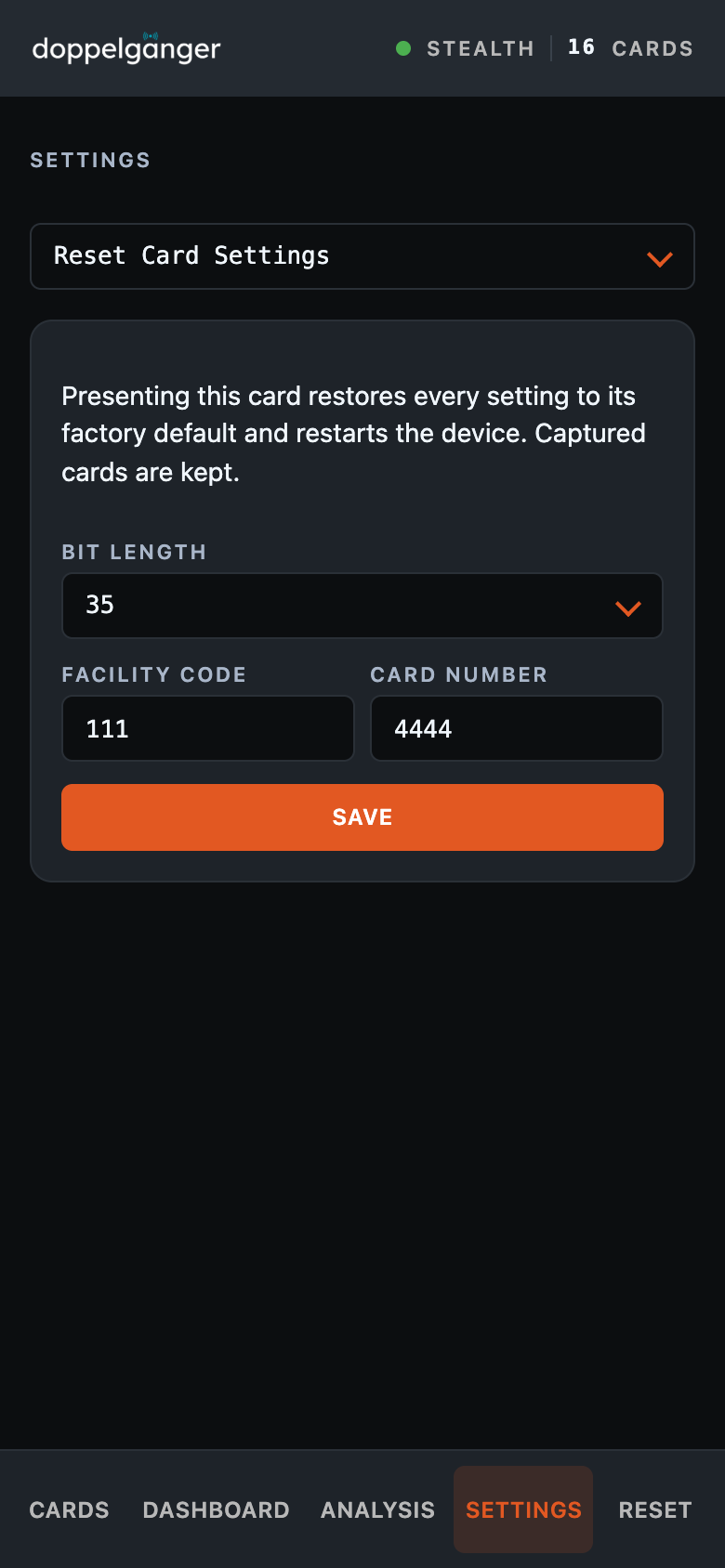
- The reset card restores every setting to its factory default and restarts the reader. Captured cards are kept. It is what you want on a kit that rotates between operators, where the last network a reader joined is not yours and the last person’s settings should not be either.
- The stealth card, on the Stealth, switches the reader’s radios and its debugging port off, and brings them back when presented again.
A third, the pairing card, belongs to the Bluetooth link and is covered in the closing section.
None of these is ever written to the card log. A capture list handed to a client holds the site’s credentials and not your own tooling.
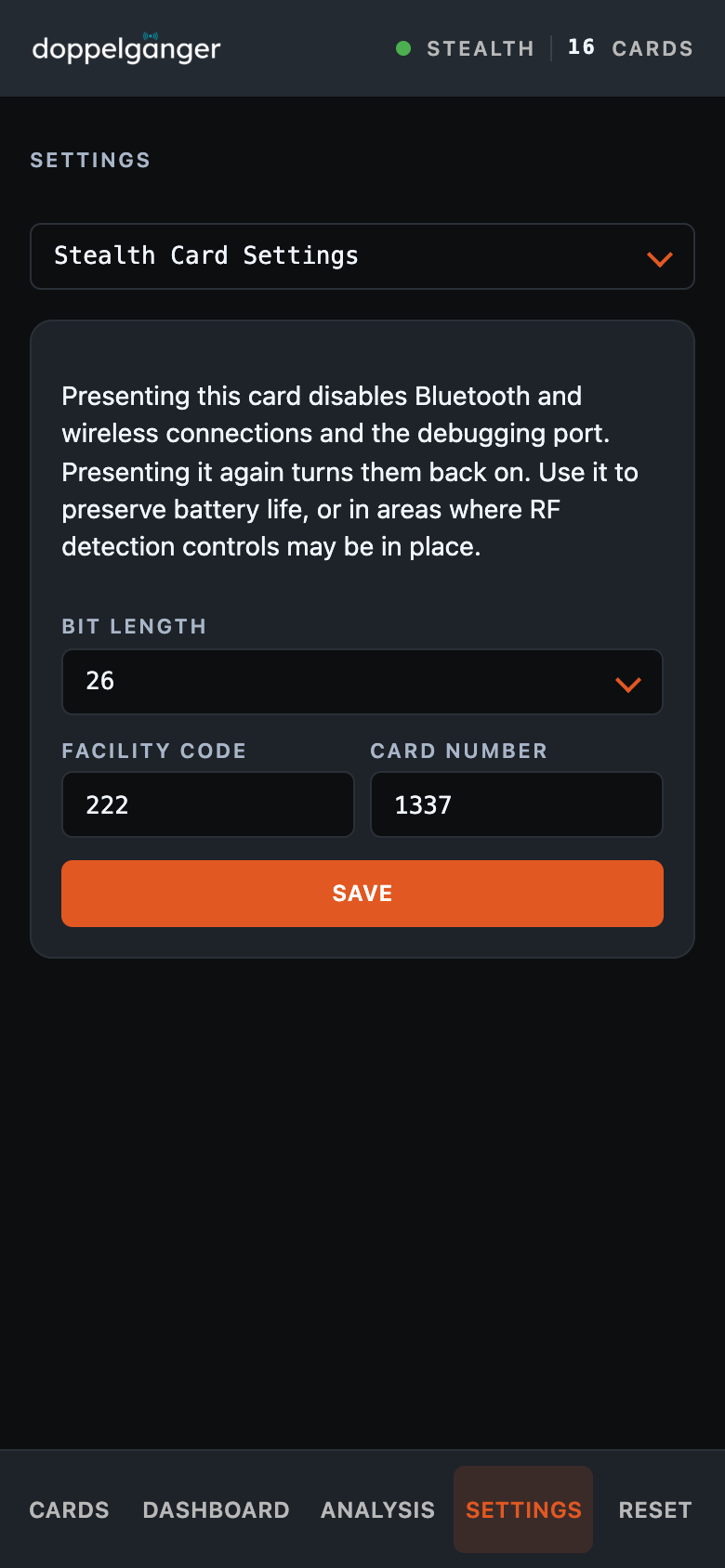
- Stealth Card Settings.
- What the card does.
- Bit Length, 26.
- Facility Code 222 and Card Number 1337, the factory stealth card.
- Reset Card Settings.
- Captured cards are kept.
- Bit Length, 35.
- Facility Code 111 and Card Number 4444, the factory reset card.
Change the factory values before a reader goes on site: they are published, and a card that collides with a live credential would act on the reader. The reader also refuses to set one of its cards to the value of another.
The right format in the finding
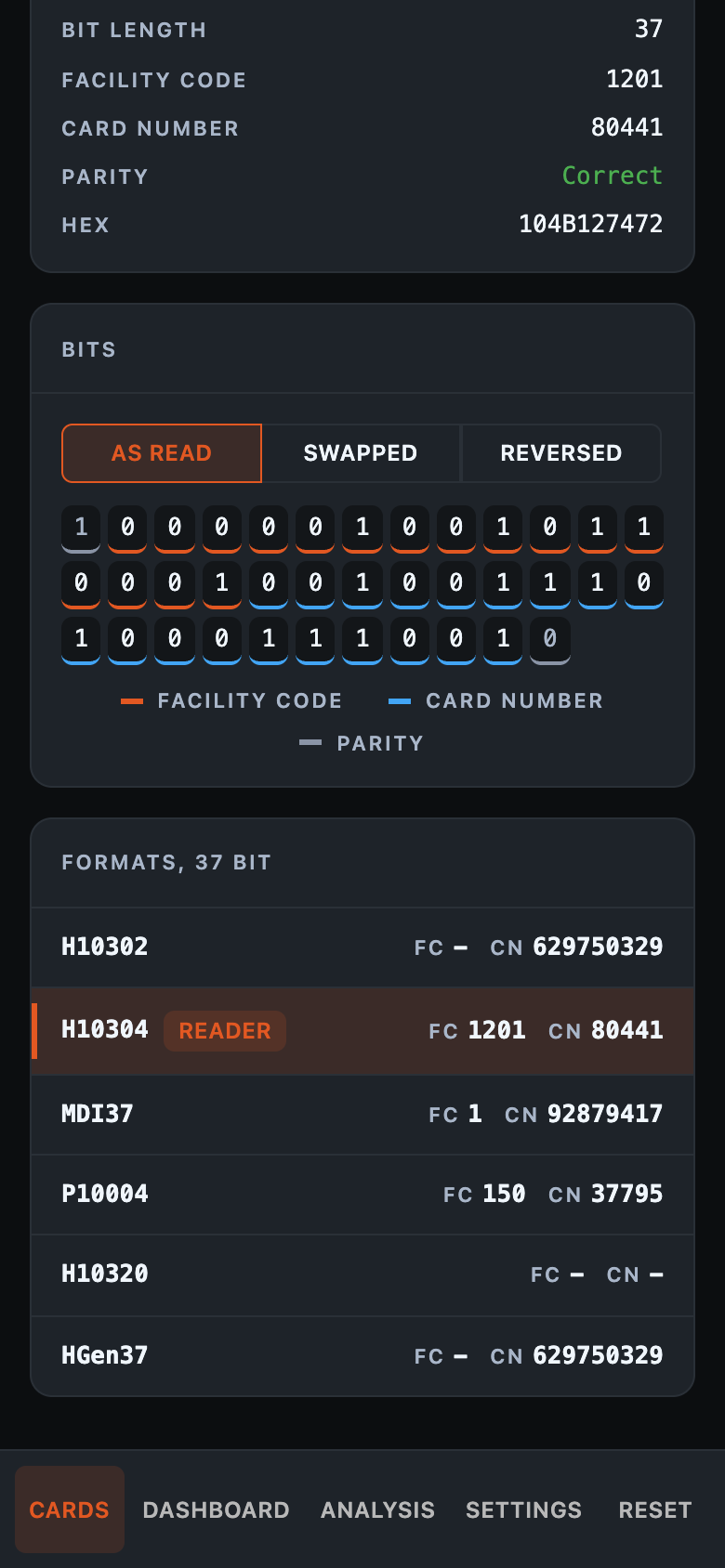
A card does not say which format it is. The reader on the front hands over bits, and several formats share a length. A 37 bit read logged as H10304 with facility code 1201 and card number 80441 is, read as H10302, one long card number with no facility code. Only one of those matches what the site’s access control system has on record, and a finding that names the wrong one sends the client’s remediation in the wrong direction.
The reader logs each read under the one format it read the frame as. Its Decode view then lists every format the same bits are a valid card of, each with its own facility code and card number, and keeps the reader’s own reading on the list marked Reader. Picking another format changes the numbers shown and never the bits.
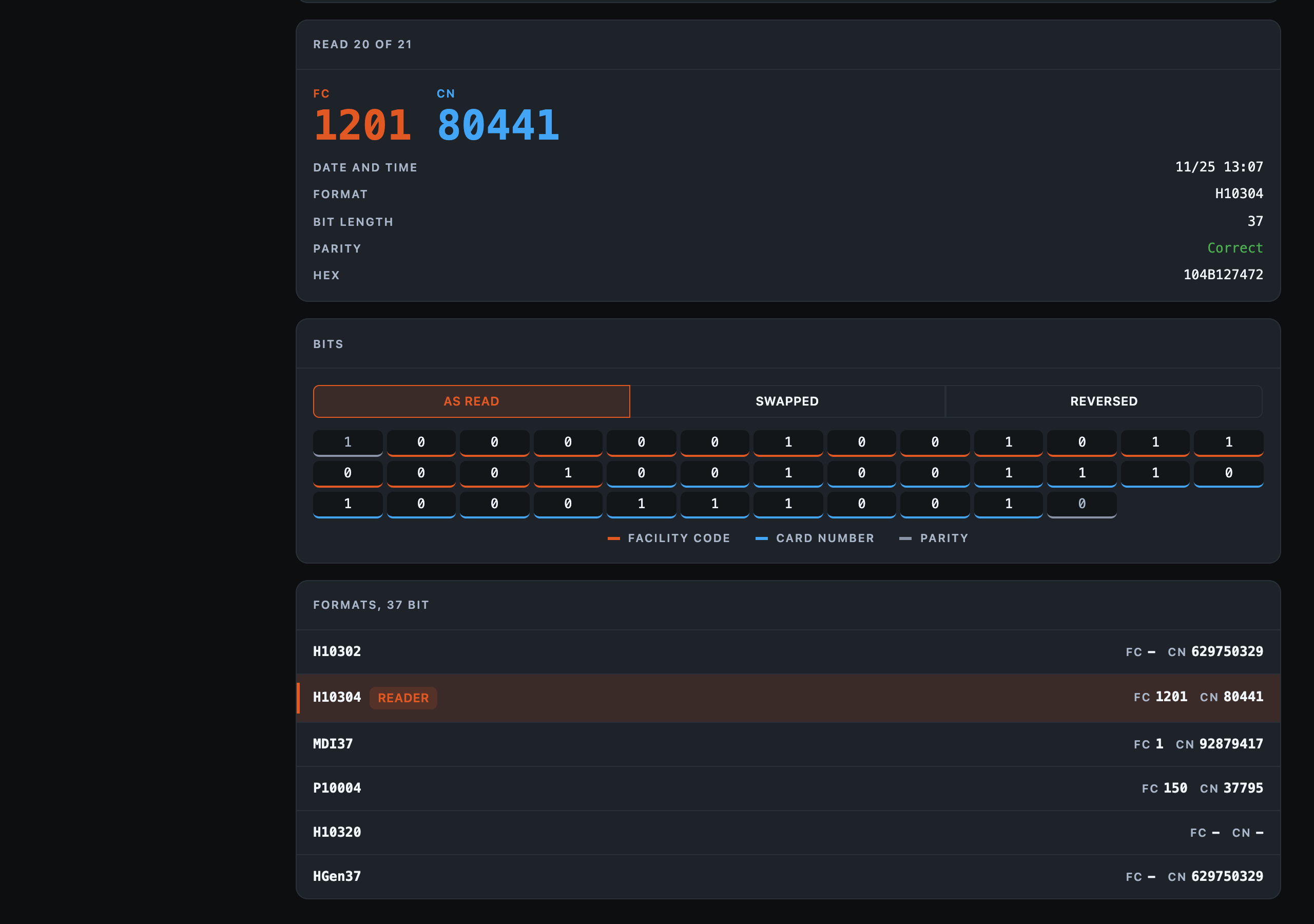
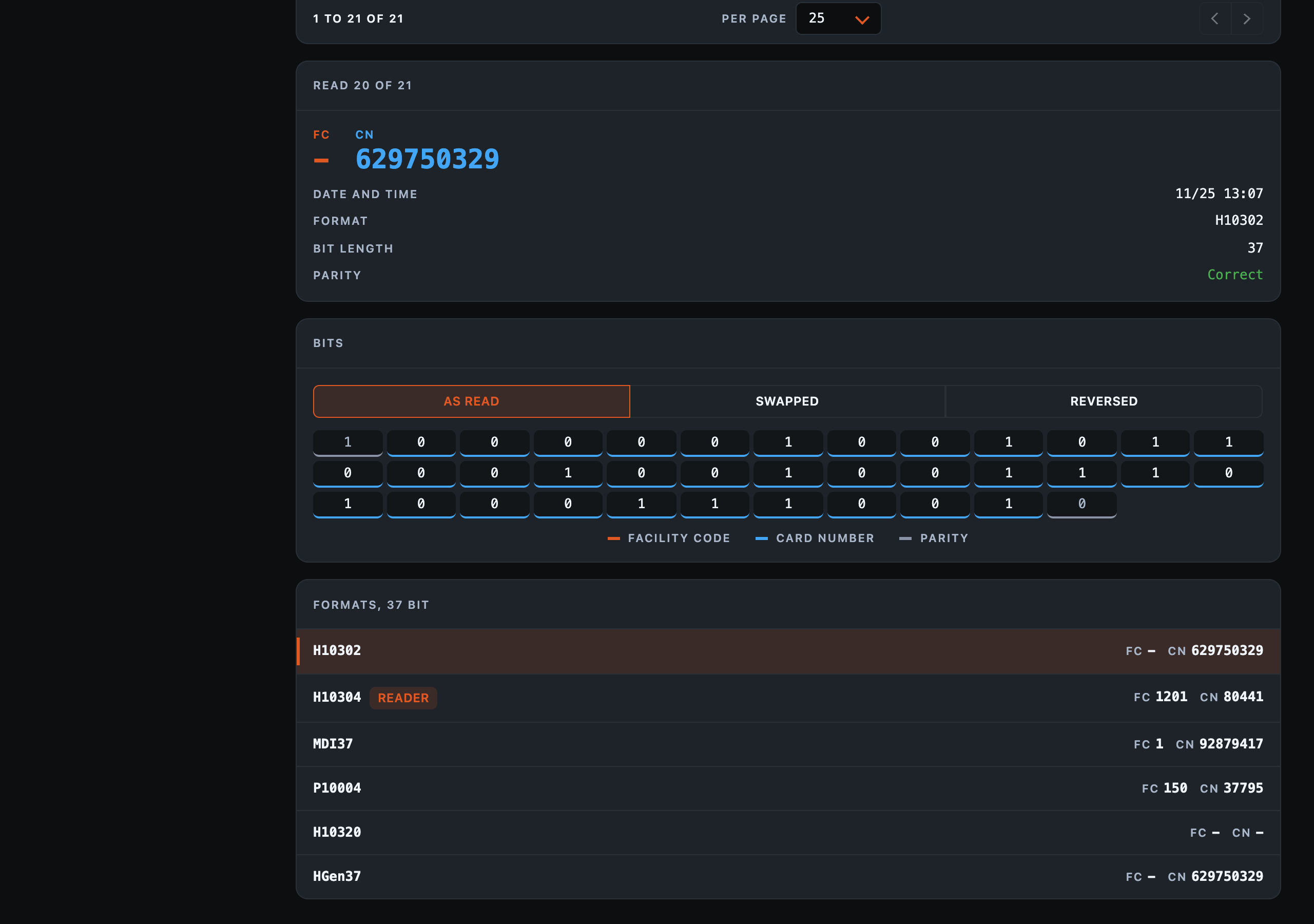
- FC 1201 and CN 80441, as the reader logged the read.
- Parity, reading Correct.
- As Read, Swapped and Reversed.
- The bits, colored by field.
- H10304, marked Reader.
- P10004, another valid reading of the same bits.
- FC is a dash, because H10302 has no facility code.
- Parity is Correct under this format too.
- The same bits, colored as one card number.
- H10302, the format the read is viewed as.
- H10304 keeps its Reader mark.
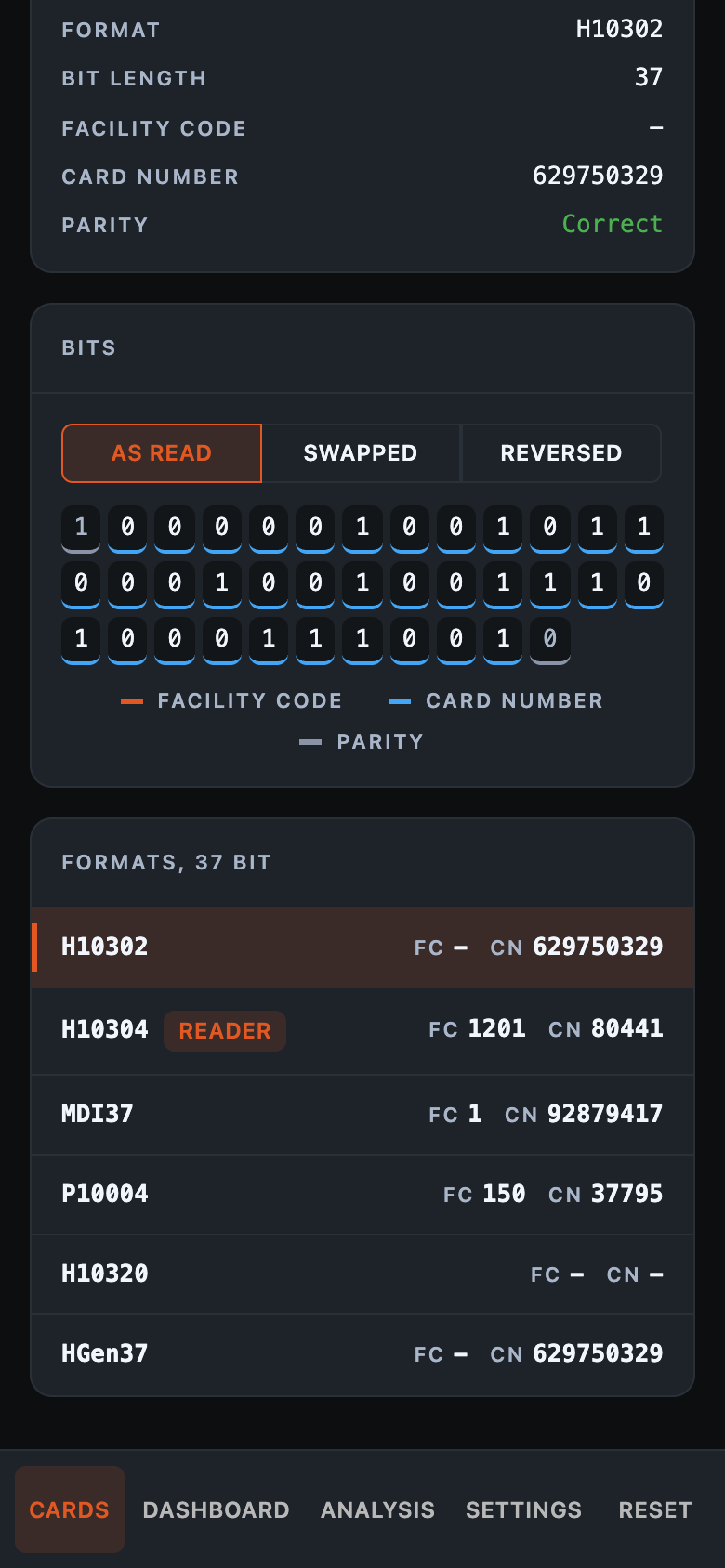
- Parity, reading Correct.
- As Read, Swapped and Reversed.
- Formats, 37 Bit.
- H10304, marked Reader.
- P10004, another valid reading.
- Format, now H10302.
- Card Number 629750329. Facility Code above it is a dash.
- The bits have not changed.
- H10302, picked.
- H10304 keeps its Reader mark.
Every length and every format is on Card formats.
The Core’s own setup
A Core serves its own setup page for joining a network. Cards are read the whole time it is open, a wrong password is reported without losing the saved network, and the setup network reaches the setup page and nothing else.
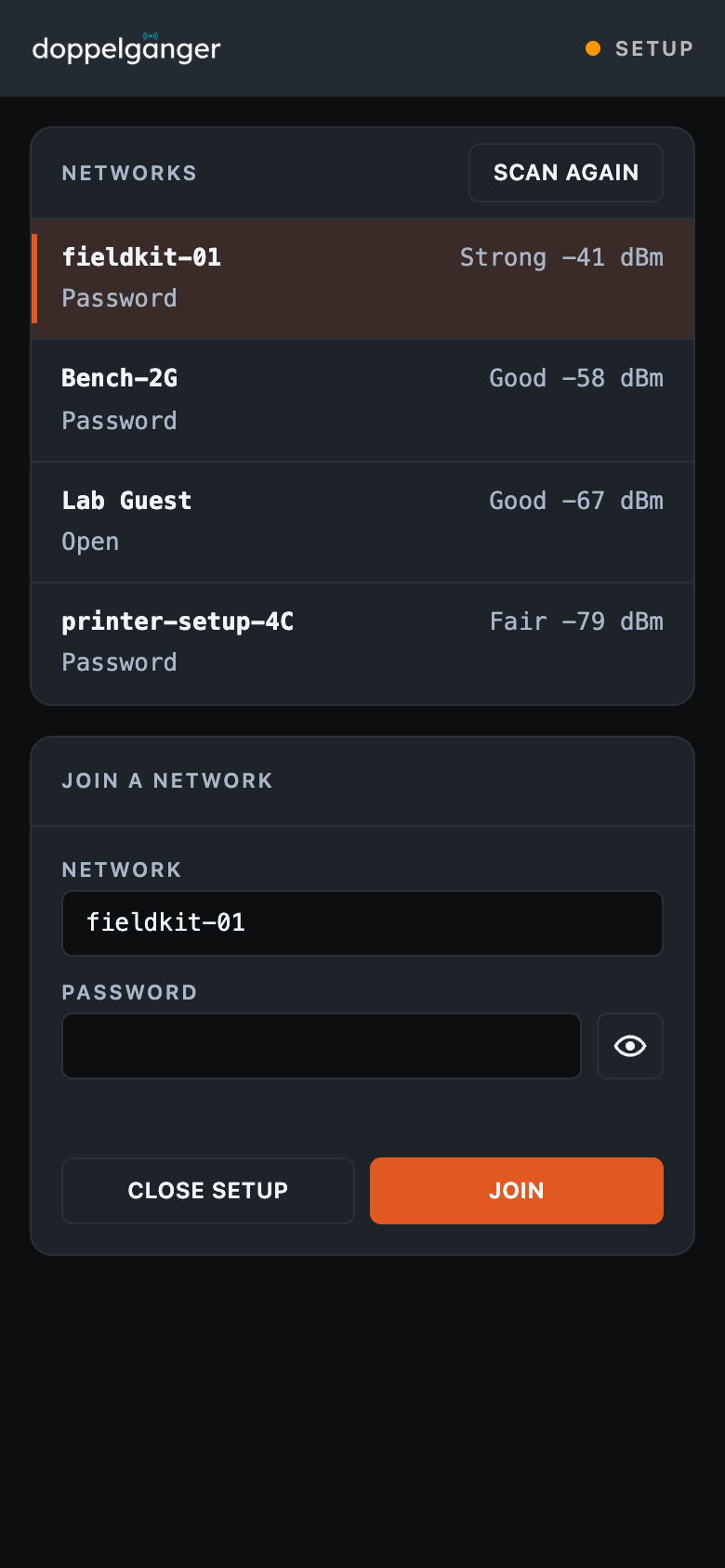
- Setup, in the header.
- The network picked, with its signal.
- An open network says Open.
- Password, with an eye to read it back.
- Close Setup, and Join.
A Core with a saved network looks for it for a wait before it offers setup, so a hotspot switched on a little late is simply joined. That wait is Offered After, under Setup Network, from At Once for bench work to Never for a deployed reader that should not announce itself.
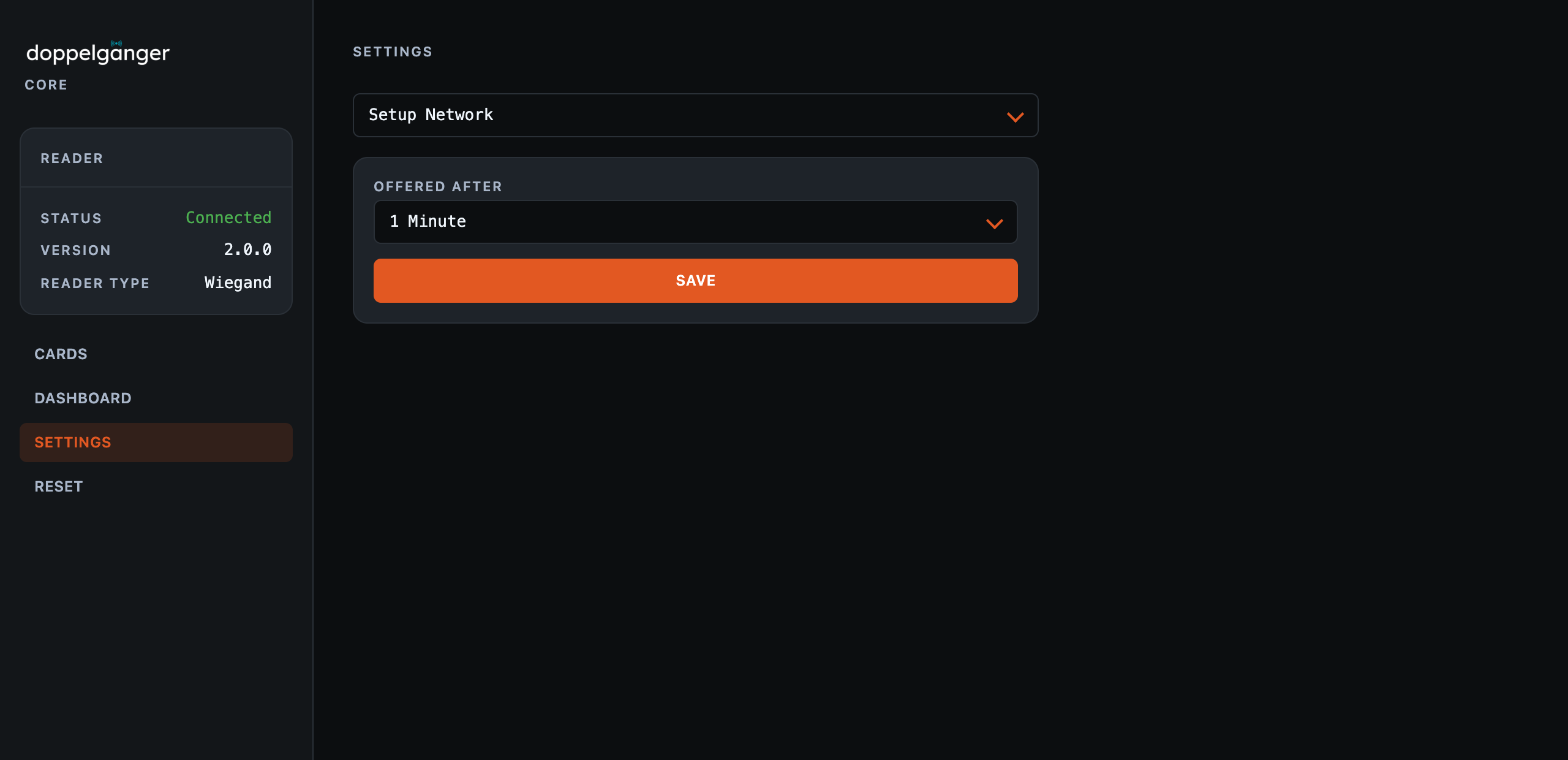
- The section dropdown, on Setup Network.
- Offered After, on 1 Minute.
- Save commits it.
With ATLAS
Everything above needs a browser and nothing else. Doppelgänger ATLAS, the Android app, adds what a browser cannot: an update sent to a reader that is already on the wall, over the connection the reader is on, a notification on each capture, and both readers run over Bluetooth with no network at all. The pairing card belongs to that link. Those have their own posts: Readers on Bluetooth and ATLAS 1.3.0.
Where to go from here
- The tour of the pages: The Doppelgänger Web Interface, Without ATLAS.
- Update steps: Core firmware update and Stealth firmware update.
- The hardware: the PPE store, which runs a sale November 27 through December 1, 2026.